Module 8
6 min read
Time Intelligence
Master time-based calculations with DAX
What You'll Learn
- Calculate Year-to-Date (YTD)
- Compare with last year
- Calculate growth percentages
What is Time Intelligence?
Time Intelligence = calculations based on dates.
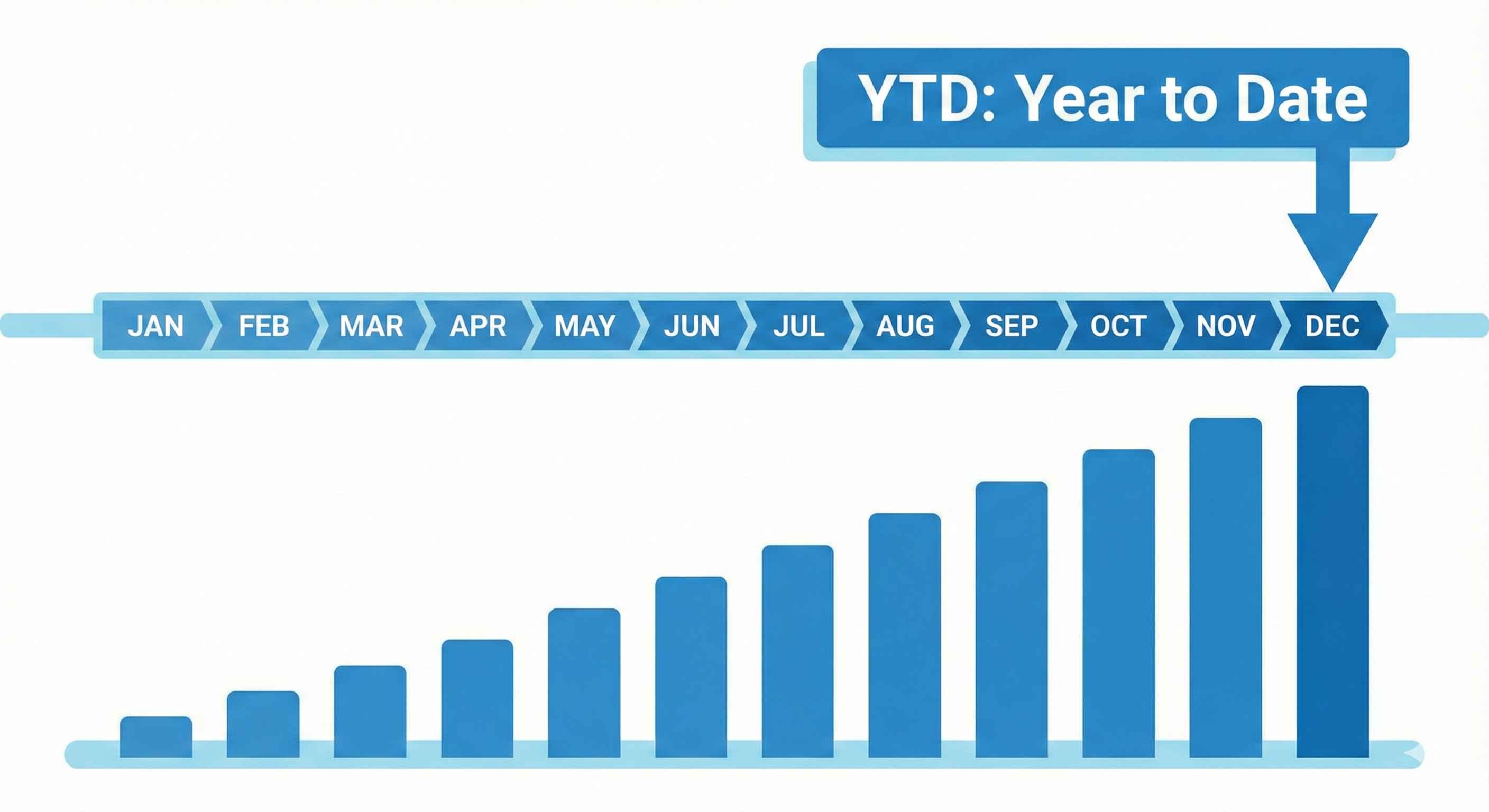
Examples:
- "Sales this year so far" (YTD)
- "Sales same month last year"
- "Growth vs last year"
Important: You Need a Date Table!
Before using time intelligence, you need a Date Table.
Calendar = CALENDAR(DATE(2020,1,1), DATE(2025,12,31))
Then: Right-click table → Mark as Date Table
YTD, MTD, QTD Functions
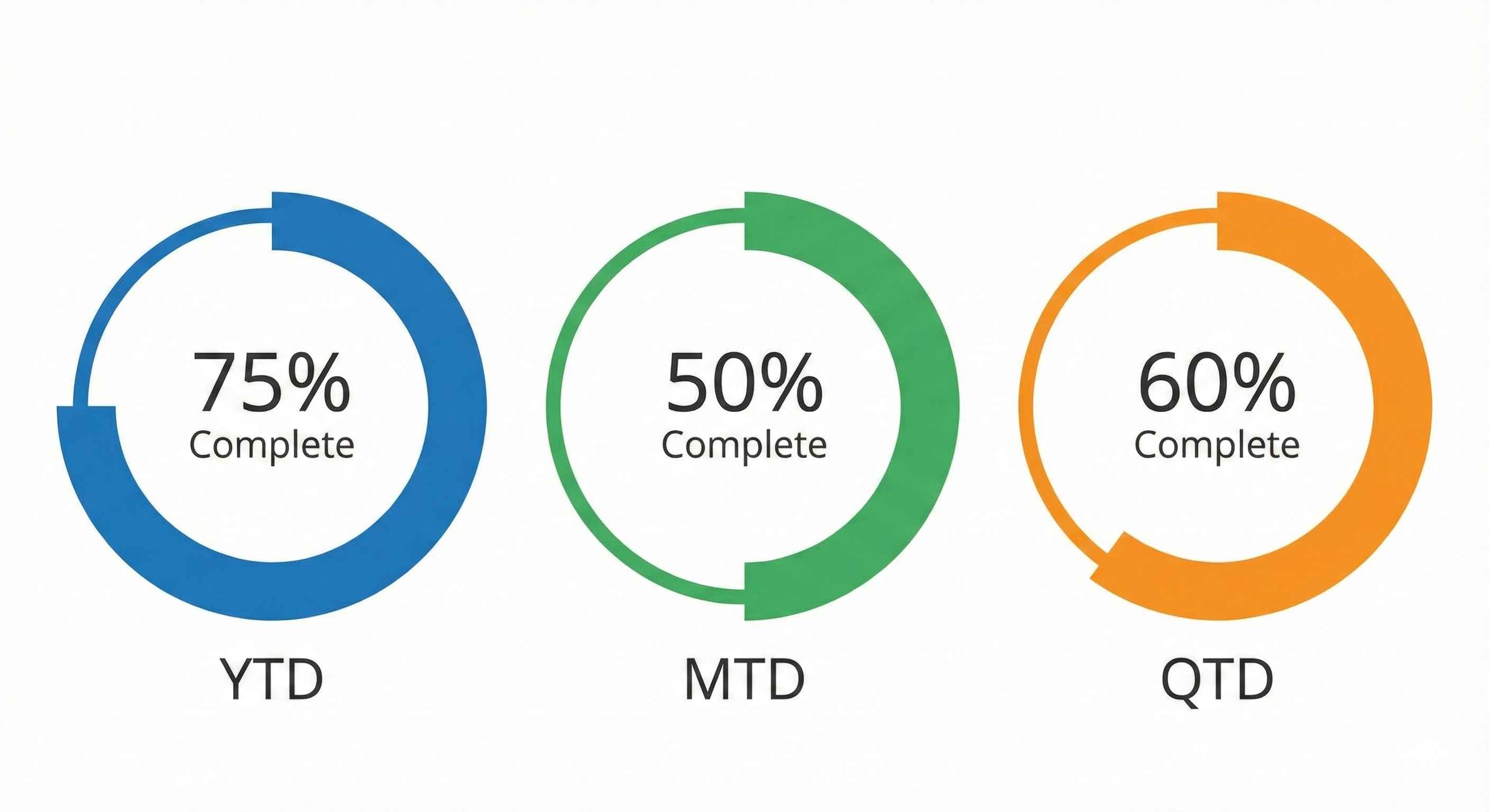
| Function | Meaning | Example |
|---|---|---|
| TOTALYTD | Year to Date | Jan 1 → Today |
| TOTALMTD | Month to Date | Month start → Today |
| TOTALQTD | Quarter to Date | Quarter start → Today |
Example:
YTD Sales = TOTALYTD(SUM(Sales[Amount]), Calendar[Date])
Compare with Last Year
Use SAMEPERIODLASTYEAR to get last year's value:
Last Year Sales =
CALCULATE(
    [Total Sales],
    SAMEPERIODLASTYEAR(Calendar[Date])
)
Result: March 2024 → Shows March 2023 value
Calculate Growth %
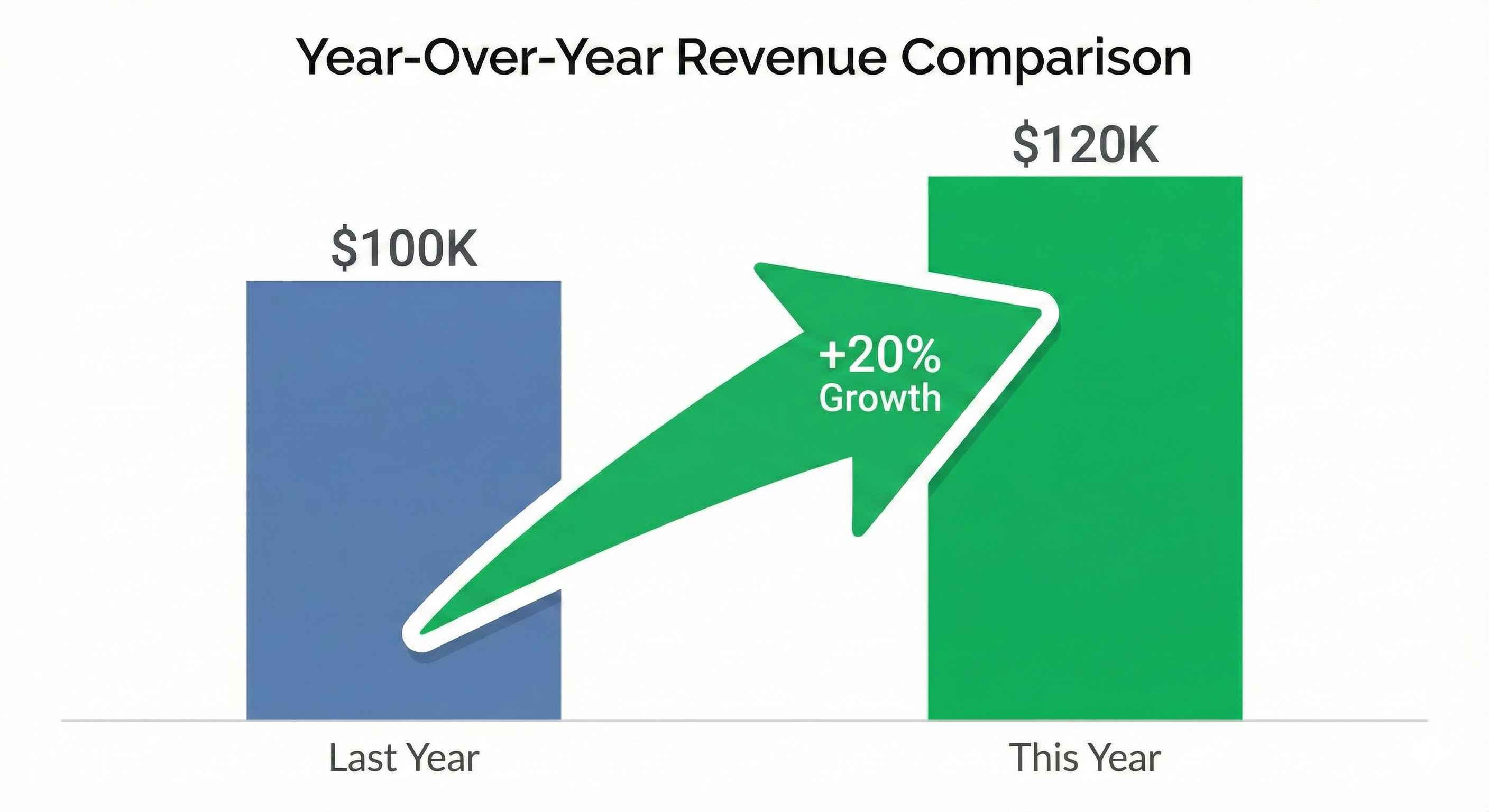
YoY Growth =
DIVIDE(
    [Total Sales] - [Last Year Sales],
    [Last Year Sales]
)
Format as percentage in the visual!
| This Year | Last Year | Growth |
|---|---|---|
| $120,000 | $100,000 | 20% |
Quick Reference
| Need | DAX Function |
|---|---|
| Year to Date | TOTALYTD |
| Month to Date | TOTALMTD |
| Last Year | SAMEPERIODLASTYEAR |
| Last Month | DATEADD(..., -1, MONTH) |
| Last Week | DATEADD(..., -7, DAY) |
Try This
- Create a Date Table
- Create measure:
YTD Sales = TOTALYTD([Total Sales], Calendar[Date]) - Create measure:
LY Sales = CALCULATE([Total Sales], SAMEPERIODLASTYEAR(Calendar[Date])) - Create measure:
Growth = DIVIDE([Total Sales] - [LY Sales], [LY Sales]) - Add to cards and test!
Tip: Time intelligence is super powerful for business reporting. Master these 3 patterns first!